How to Film Corporate Interviews That Look and Sound Professional Every Time
Filming a corporate interview that holds up on screen starts long before the camera rolls. This blog covers every stage including pre-production planning, camera and lighting setup, sound recording, directing non-actors, b-roll, and post-production workflow with practical guidance on what actually separates professional corporate interview video from content that undermines the brand.
.avif)
What It Actually Takes to Film a Corporate Interview That Holds Up on Screen
If you want to know how to film corporate interviews without muffled audio, flat lighting, or a nervous subject, this guide walks the process. Corporate interviews sit at the heart of testimonials, culture videos, and case studies. Recent video marketing data shows 89% of consumers say video quality impacts their trust in a brand, and 91% of businesses use video as a marketing tool. What follows is a practical corporate interview video filming guide covering pre-production, camera, lighting, sound, direction, b-roll, and post.
.avif)
Key Highlights
- Pre-production is where good interviews are made, not on the shoot day.
- Three-point lighting stays the standard, but ratio and softness matter.
- Lavalier as primary, shotgun as safety track, room tone always.
- Two cameras (wide and tight) give editors real options in the cut.
- Post-production structure matters as much as raw footage.
Why Corporate Interview Video Quality Matters More Than Most Brands Realise
Corporate interview video puts a real human voice on your brand. A CEO explaining vision. An engineer walking through a build. A customer describing outcomes. Not ads. Evidence.
Around 84% of consumers want more video from brands. Hollow audio or a poorly lit face signals the brand doesn't take its message seriously.
For any video production company, the interview is the piece that has to work. Our post on video examples shows what strong corporate work looks like.
Pre-Production: What to Sort Before the Camera Comes Out
Most interview problems are created in pre-production planning. This is the foundation of how to shoot a corporate interview.
.avif)
Lock these in before you touch a camera:
- Purpose and audience. One sentence on what this interview needs to do and who watches it.
- Question list. Ten to fifteen open questions, easy to harder. Send themes in advance, not exact wording.
- Shot list for interviews. Wide two-shot, tight A-cam, B-cam angle, b-roll cutaways, room tone, product shots.
- Location scout. Soft ambient noise, decent ceiling height, a background that isn't distracting.
- Wardrobe. Solid mid-tone colors, no tight patterns, no third-party logos.
- Run of the show. Setup, first interview, break, second interview, b-roll.
If you are bringing in a nationwide video crew, share this a week out. Our crew roles checklist covers call sheets and staffing.
Camera Setup for Corporate Interviews
Most professional corporate interviews use a multi-camera setup. Two cameras let the editor cut between angles, hide restarts, and keep the piece visually alive. This holds whether you are learning how to film an interview or refining a house style.
Standard two-camera framing:
- A-cam (wide). 35mm to 50mm on full-frame, medium shot from chest up, subject on the left or right third of frame.
- B-cam (tight). 50mm to 85mm on full-frame, close-up of the face, offset 20 to 30 degrees from A-cam so it feels like a different angle without breaking the eye-line.
Record 4K on both. That gives you a punch-in option in the edit. The B&C lens guide covers common focal-length pairings in more detail.
Practical rules for the camera setup for interviews:
- Match picture profiles on both cameras (log, white balance, frame rate).
- Keep the interviewee's eye-line just off the lens, on the interviewer next to A-cam.
- Leave 5 to 10% headroom above the head.
- Only use a teleprompter for scripted executive messages. For genuine interviews, it flattens delivery.
Our post on corporate video tips covers more framing rules.
Lighting Setup for Corporate Interviews
The interview lighting setup that has worked for decades is three-point lighting: key, fill, backlight. For a corporate video interview, aim for flattering and approachable, not moody.
Key light. Your main source. Place it at 45 degrees to one side, slightly above eye level. Use a softbox or diffusion so the light wraps around the face. The Videomaker guide has clean diagrams of key placement.
Fill light. Opposite the key at a similar angle, at 50 to 75% of the key's brightness. Softens the shadow on the far side of the face. A 2:1 to 3:1 contrast ratio reads as balanced and honest for corporate work.
Backlight (or rim light). Behind the interviewee, aimed at the back of the head and shoulders from a 30 to 45 degree angle. Separates subject from background.
Natural light works if you control it. Position the interviewee facing a window and use a reflector on the opposite side to bounce fill into the shadow. The Georgetown primer is a solid reference on single-source setups.
Watch for mixed color temperatures. Tungsten, daylight, and LED panels disagree. Turn off what you can, gel what you cannot, and set custom white balance.
Sound Setup for Corporate Interviews
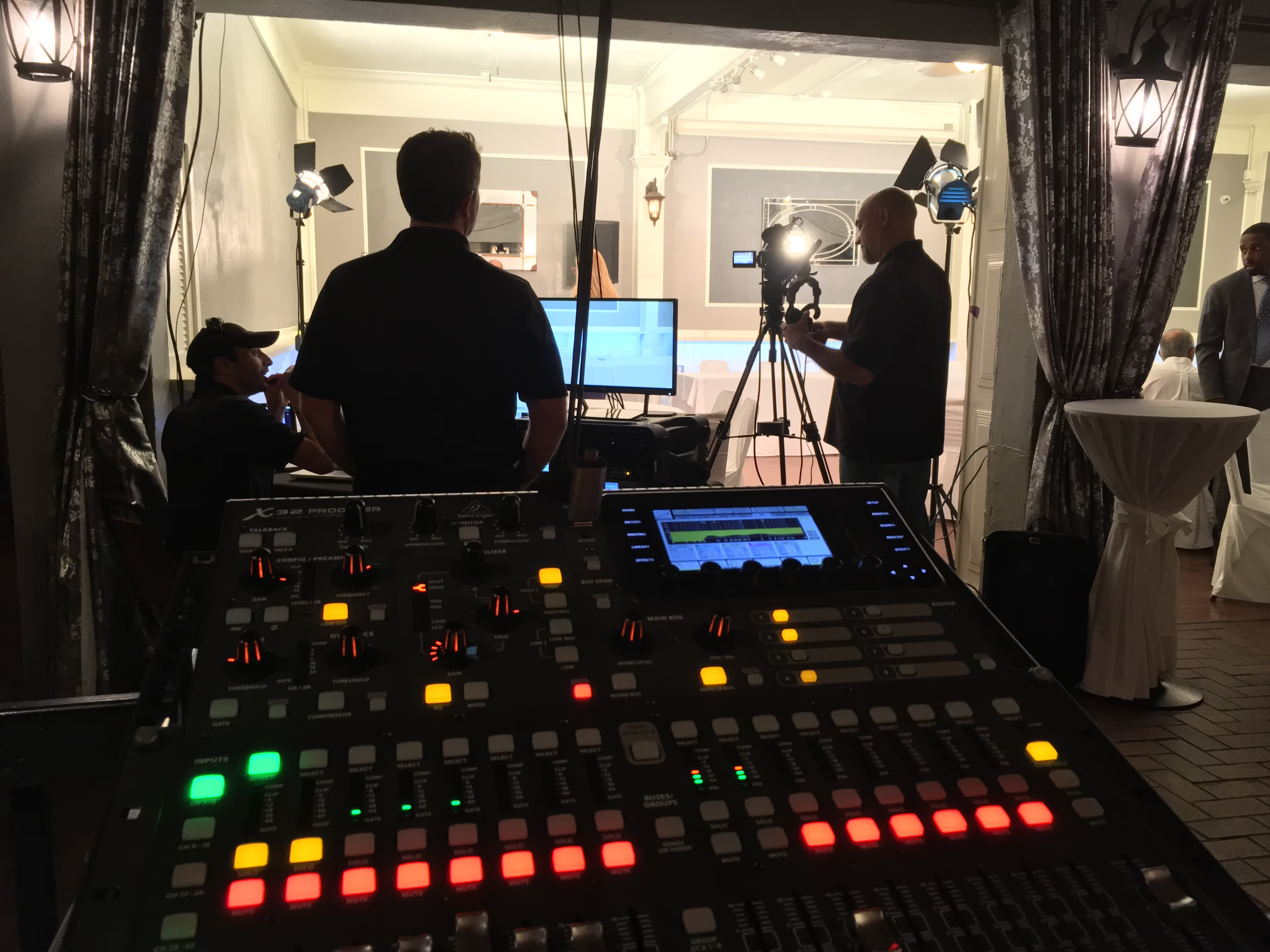
Sound recording for interviews is what clients underestimate. Audiences forgive a soft image. They do not forgive audio they cannot understand. The reliable setup is two microphones on separate tracks:
- Primary: lavalier microphone. Clip it six to eight inches below the mouth, under a jacket lapel or on a shirt placket. Wireless packs from Sennheiser or Rode are standard. The Lensrentals breakdown covers wired and wireless options.
- Backup: shotgun mic. Boom or C-stand just above the frame line, aimed at the mouth. If the lav rustles or drops out, this saves the take.
Room prep matters too. Turn off HVAC if you can. Kill fluorescent buzz. Place blankets or panels behind the camera. Record 30 seconds of clean room tone before you wrap.
Monitor with closed-back headphones. Every take. If a mic starts crackling in take four, you want to know then, not in the edit bay.
Directing Your Interview Subject on Camera
Most corporate interviewees are not actors. Directing interview subjects is about making them comfortable enough to sound like themselves.
- Warm-up. Five minutes off-camera about anything unrelated. It resets the room.
- Ask them to restate the question. "Instead of 'yes, we did,' say 'yes, we launched in March.'" This makes their answer usable without your voice in the piece.
- Permission to redo. Tell them at the start: "If you fumble a word, pause and start the sentence again." That single sentence removes most on-camera anxiety.
- Eye-line. Look at the interviewer, not the camera, unless you are shooting a direct address piece.
- Wait after the answer. Silence often produces the best second sentence.
These on-camera interview tips work for a first-time interviewee and a seasoned CEO alike. Our past video projects show how subjects come across when direction is right.
B-Roll Footage for Corporate Interviews
B-roll is what turns talking heads into watchable video. Plan it in pre-production, then shoot it the same day.
Cover these:
- The workplace. Wide shots of the office, factory floor, lab, or store.
- Hands and detail. Close-ups of typing, sketching, assembling, whatever the person is describing.
- Product or output. The thing being made, delivered, or sold, shot cleanly.
- The subject in action. The interviewee doing part of their actual job.
- Real interactions. Meetings, handovers, quick conversations.
For the interview backdrop, favor something that says something about the company. A workshop, a working office, a branded wall. Avoid empty conference rooms and blank walls. Our post on interview ideas has more backdrop examples.
Post-Production: Turning Raw Interview Footage Into a Finished Video
Post-production editing is where most of the storytelling happens. A workflow that keeps projects on track:
- Sync and back up. Sync lav and shotgun audio to camera tracks. Back everything up to two drives.
- Transcribe. Descript or Premiere's transcript panel turn audio into searchable text.
- Paper edit. Highlight the best soundbites and order them into a story arc.
- Radio edit. Cut audio only, ignoring picture. If it holds up with eyes closed, it will hold up on screen.
- Picture cut. Bring in b-roll footage and the second camera angle over the radio edit.
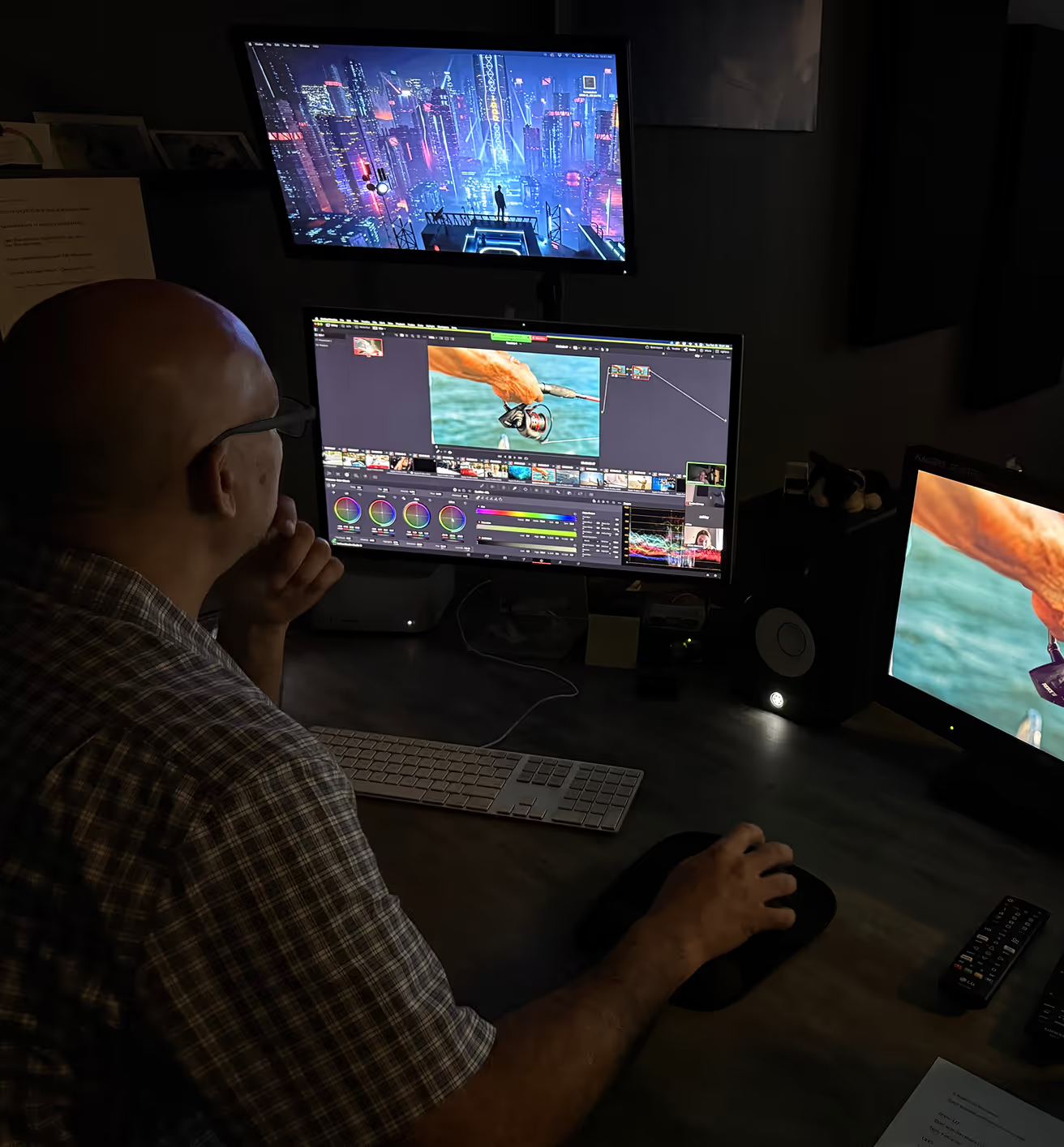
- Color grading. Match both cameras, then set an overall look. Corporate usually wants a clean, natural grade.
- Sound mix. Dialogue around -12 dB, music at -24 dB or lower under speech, room tone filling gaps.
- Captions. Burned-in or SRT. Most social video is watched on mute.
Our post on production timeline gives realistic estimates for each stage.
Common Mistakes Brands Make When Filming Corporate Interviews
Corporate interview tips are useful, but knowing what not to do saves more shoots. The corporate interview filming tips below are warnings:
- On-camera mic. Always thin, always picks up the room. Fix: use a lav.
- One camera, no cutaways. Every restart shows. Fix: add a second camera and planned b-roll.
- Over-lighting the face. Blown highlights look amateur. Fix: meter the key and pull it back to a stop.
- Wrong backdrop. A cluttered shelf or a plant behind someone's ear distracts viewers. Fix: move the chair.
- Skipping room tone. Editors need silence to patch cuts. Fix: record 30 seconds before wrap.
- No wardrobe brief. Stripes moiré on camera; logos date the video. Fix: send guidance ahead.
We break down more of these in our video mistakes post.
The Bottom Line
Learning how to film a professional interview video is not about owning the newest camera. Filming corporate interviews for beginners and seasoned crews comes down to the same things: pre-production discipline, flattering lighting, clean sound, direction that lets people sound like themselves, and a post workflow that turns raw footage into a story. The principles apply whether you are figuring out how to film a commercial interview or an internal piece.
If you would rather have a crew handle it, we produce corporate interviews nationwide from our Boca Raton base. Start your project with a brief.
Frequently Asked Questions
1. What is the best way to film an interview for corporate use?
Two cameras (wide and tight), three-point lighting, a lavalier with a shotgun backup, and 4K recording for punch-in options. Pre-production planning matters more than gear.
2. One camera or two?
Two is standard. A second camera lets the editor cut between angles to hide restarts. With one camera, shoot 4K so you can punch in during post.
3. Is a lavalier or a shotgun mic better?
A lav is primary; it stays close to the mouth. Run a shotgun on a boom as a safety track so you have usable audio if the lav fails.
4. Should I use a teleprompter?
Only for scripted executive messages where exact wording matters. For genuine interviews, a teleprompter flattens delivery.
5. How much does it cost to film a corporate interview?
Costs vary by market, crew size, and locations. A single-day shoot with a small crew typically starts in the low thousands and scales up with more cameras, locations, and edit time.
Related Posts

.png)
.png)