Behind the Scenes: The Video Pre-Production Checklist
Planning a video shoot takes more than a camera and a good idea. This behind-the-scenes checklist walks through every pre-production step, from defining goals and locking the script to scouting locations, casting talent, and planning equipment and backups. Each step gives a clear owner and a way to catch gaps before the crew is booked. Use it to keep your next shoot organized, on budget, and free of last-minute surprises.
Video Pre-Production Checklist: Steps to Plan a Successful Shoot
No camera package fixes a brief no one has agreed on. Once the crew is booked, a late approval, inaccessible location, unclear script line, or unavailable crew member means rework. This Behind the Scenes: Pre-Production Checklist keeps the original article's practical order, gives each decision an owner, and makes gaps visible before the shoot.
Pre-production is not paperwork for its own sake. It is the agreed version of the job: what must be made, who it is for, what is approved, and what changes if the day moves. Use it for an in-house campaign or as the brief you take to a corporate production partner. Add decisions to your Pre-Production Planning Checklist as they are confirmed.
Before a crew is booked, confirm:
- The outcome: What should the audience know, feel, or do after watching?
- The decision-maker: Who gives final approval on creative, budget, and final delivery?
- The use case: Where will the finished asset appear, and which versions are needed?
- The constraints: Which dates, locations, people, brand rules, and legal requirements are non-negotiable?
Why Pre-Production Matters
Pre-production turns a broad idea into work that can be scheduled, crewed, and cleared. It connects the creative brief to the people, time, equipment, permissions, and deliverables required to make it. Later stages work best when these choices are settled early.
This is not separate from filmmaking. The plan gives the director, client, agency, and crew one version to work from. Judgement still matters on set; the process simply removes confusion that should have been settled before the day starts.
Step 1: Define Your Goals and Objectives
Start with one sentence that describes the assignment. It might introduce a service, help sales teams explain a product, recruit candidates, or build awareness. Decide how the work will be judged. Use a measure that fits the job, not a generic view count.
Write the brief: Name the audience, desired response, message, format, delivery channels, and approval owner. This first step stops later conversations from becoming subjective debates about what the piece was meant to do.
Step 2: Identify the Target Audience
The audience affects language, cast, locations, pace, and final length. Speak with the team closest to the viewer, not only broad demographic labels. They can identify objections, familiar terms, and the question the film needs to answer.
Build an audience note: Include the viewer's role, context, existing knowledge, likely question, and preferred next action. If several groups need different messages, separate the deliverables rather than forcing one film to serve incompatible needs.
Step 3: Develop the Core Message
Choose one main idea that can survive a compressed cut. Supporting points can add proof, but they should not compete with the central message. A beautiful sequence without a clear idea can still miss the brief.
Test the message: Ask each stakeholder to explain the project in one sentence. If the answers differ, resolve the gap before development moves on. A branded-content team can use that agreed message to guide interviews, art direction, and edit choices.
%20Large%20(1).avif)
Step 4: Budget Planning
Put likely costs into categories before approving the creative: development, cast, crew, locations, permits, travel, equipment, art, catering, insurance, music, editing, graphics, and delivery. A figure is useful only when everyone knows what it covers.
Protect the priorities: Set a contingency for changes that cannot be predicted, but do not treat it as unallocated spending. If money is tight, protect the parts the audience will notice. A clear film budget gives the producer a basis for comparing options.
Step 5: Scriptwriting
The script is not copy alone. It carries words, action, graphics, supers, interview prompts, and anything the viewer must understand. A screenplay may be detailed; a corporate interview may use an outline and key talking points. In both cases, the script is locked only when the people with approval authority have signed off.
Create version control: Date every draft, keep comments in one place, and record who approved it. Do not let informal script changes reach the floor without the producer, director, and affected department heads seeing them.
A locked script gives every department the version they are working from and limits decisions being remade in the final hours before principal photography.
Step 6: Storyboarding
Storyboarding turns the written idea into frames, sequences, and transitions. It does not need polished artwork. A rough storyboard is a visual storytelling tool that can show whether the opening makes sense, which actions require special equipment, and where graphics or archive material will appear. Review storyboards before committing to the detail.
Pair the storyboard with a shot list: The storyboard explains the intended sequence; the shot list records what must be captured, where, with whom, and under what conditions. Keep both documents current. For a dialogue-heavy piece, include key lines and listening shots. For a product shoot, call out details, demonstrations, and clean plates.
Step 7: Location Scouting
This location review is more than choosing a good-looking room. Visit at the planned time where possible. Check sound, light, access, power, parking, holding space, loading routes, and the route from base to set. The location manager should document restrictions, contact details, and logistical details the owner has approved.
Run a tech scout: Bring the director, cinematographer, art lead, sound lead, and production manager when the scope requires it. They can identify problems that are invisible in photos, such as HVAC noise, lift access, reflective surfaces, or a lack of power. Confirm how to secure locations in writing and obtain a location release before the date.
.jpg)
Step 8: Casting and Talent
Casting is not only about who looks right on camera. Confirm availability, usage requirements, travel, wardrobe needs, and whether the person can deliver the required tone. For a speaking role, use an audition or a recorded read from the actual material.
Assign responsibility: A casting director can manage outreach and selections, but the producer must confirm terms, schedule, and contact details. Keep a single contact list for cast and crew, including day-of numbers and an emergency contact where appropriate.
.avif)
Step 9: Production Schedule
Turn the approved script and visual plan into a shooting schedule. Start by breaking down the script, then group work by location, talent availability, lighting conditions, company moves, and setup demands. A stripboard schedule can help a larger job see how scenes, cast, props, and locations affect the order of the day.
Schedule the reality, not the ideal: Allow for access, setup, resets, meals, company moves, and wrap. The AD and line producer should check the planned order against real setup and move time. This is the step of pre-production where a creative ambition becomes a workable day.
Step 10: Equipment Planning
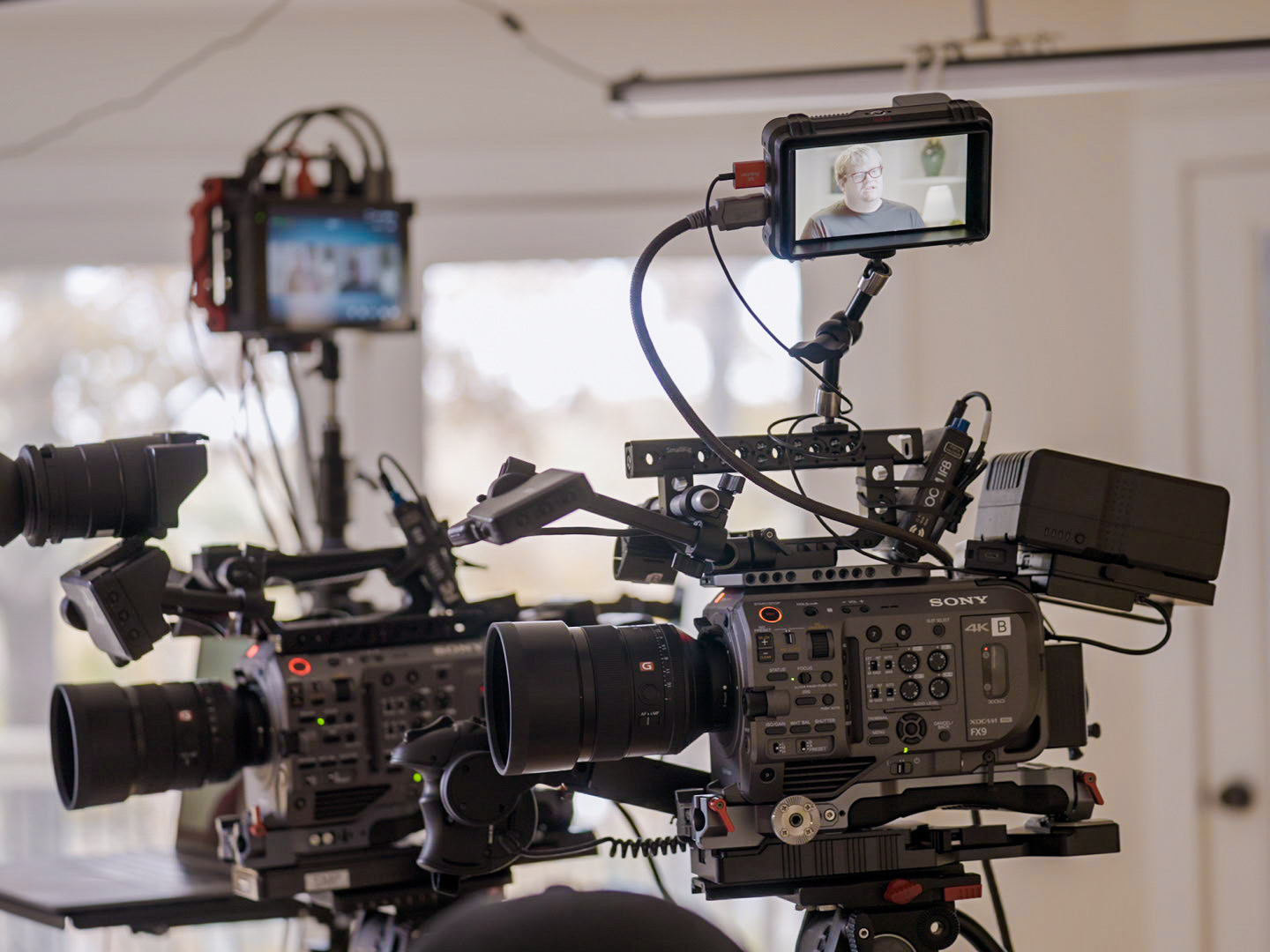
List film equipment by the image and sound required, then add the support each item needs. Cameras, lenses, lighting, grip, monitors, media, radios, power, and backup storage should each have an owner. Test unfamiliar gear before the shoot.
Plan specialist work early: If aerial footage is part of the film shoot, verify the operator, location, airspace, and timing against the FAA's commercial operator guidance. Do the same for generators, special effects, playback, teleprompters, or any other specialist item. A good equipment plan includes backups for the tools that would stop the day if they failed.

Step 11: Crew Roles and Responsibilities
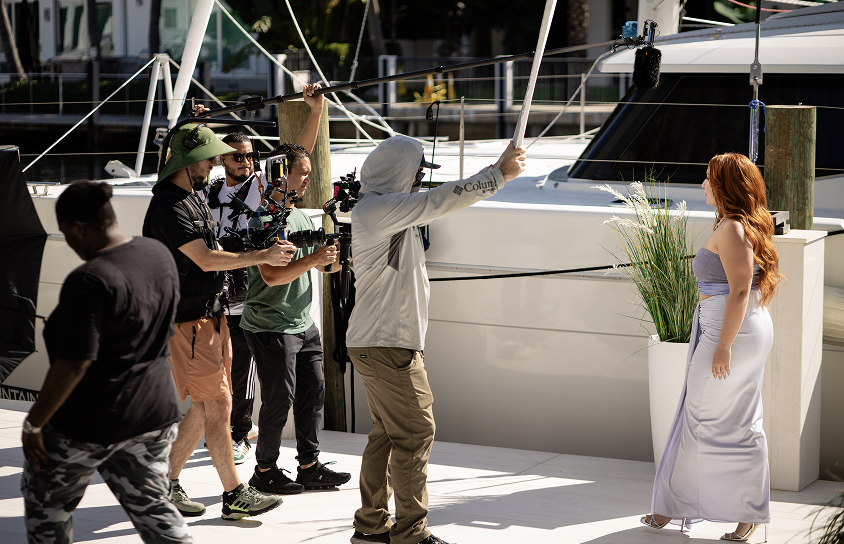
Every crew member needs a clear remit. The director leads the creative execution. The director of photography leads camera and lighting decisions. The line producer coordinates the practical work. The assistant director manages the schedule and set flow. The sound mixer protects the dialogue and atmosphere the edit will need.
Match the team to the job: A small interview may need only a focused core team; a multi-location campaign may need a broader film crew with separate departments. For projects across markets, confirm travel, local hires, and accountability with a production crew plan. Share the department heads list before the prep call.
Step 12: Legal and Permits
Legal needs vary by location, client, union status, subject matter, and distribution. Do not assume permission to enter a building covers filming, branding, parking, exterior shots, music, or release of the final material. Track permissions beside the schedule.
Prepare the paperwork: The pack may include location agreements, deal memos, appearance releases, licenses, certificates of production insurance, and a release form for each on-camera participant where required. Confirm who owns the final material and commissioned contributions in writing; the U.S. Copyright Office's work-for-hire circular explains why the arrangement and written agreement matter. Ask a qualified adviser about the job's requirements.
Check safety planning: Identify location, equipment, and work risks. OSHA guidance explains U.S. workplace requirements; confirm the rules that apply to the job.
Step 13: Wardrobe and Props
Wardrobe, each prop, set dressing, hair, make-up, and graphics should support the same visual language. Photograph approved options and label duplicates. This helps the art department maintain continuity when scenes are shot out of order.
Check brand details: Review logos, product packaging, laptop screens, signage, and colours before the shoot. The production designer should know what is essential to the frame. For a professional film or feature film, include fittings, tests, and continuity references. This is not a film school exercise; it protects continuity.
Step 14: Shot List
Before the schedule goes live, check the shot list against the script breakdown. Every line, product action, interview answer, insert, cutaway, and required version should have a place. Identify shots that cannot be recreated, such as a client event, child performance, weather, or one-time location access.
Send one final document: The call sheet template should contain the date, address, map link, parking and access notes, call times, schedule, key contacts, weather note, safety information, nearest medical support, and any special instructions. A call sheet is an operational document, not a courtesy email. Issue it only after the details are checked.
Step 15: Backup Plans
No plan removes weather, illness, travel delays, technical faults, client changes, or location problems. Check weather forecasts before the day, then name the likely risk, decision-maker, and alternative. Keep an indoor option, revised order, backup media, spare batteries, and a way to contact everyone quickly on shoot day.
Decide what can move: Identify the non-negotiable shots, the useful-but-optional shots, and the material that can be captured another way. This keeps a short film, indie film, or independent film moving without pretending that every planned frame carries the same value.
Step 16: Pre-Shoot Meeting
The pre-production meeting is the last shared check before work begins. Walk through the brief, current script, schedule, call sheet, locations, safety issues, key contacts, ownership of each task, and fallback plan. Ask every lead to raise anything missing while there is time to solve it.
Close the loop: The producer should leave with a full checklist showing what has been confirmed, what remains open, and who will close it. This is not a rehearsal for the whole job. It is a short decision meeting that gives the team one reliable version of the plan.
Common Mistakes to Avoid
Treating the brief as a slogan: Write the objective, audience, deliverables, approval route, and distribution context.
Starting without a final script: A change in one line can alter a location, cast, graphic, product claim, or edit. Let the people who need to act on the script see the approved version.
Using a generic schedule: A plan that ignores access, setup, moves, and sound conditions creates false confidence. Confirm assumptions with the people doing the work.
Leaving paperwork until the end: Permissions and releases must be practical, signed, and stored where the producer can find them. This is preparation, not a post-shoot cleanup task.
Forgetting the edit: Record the framing, cutdowns, graphics, captions, and music needs before the day begins. For a closer look at what follows filming, see Team Unity's post-production guide.
Choosing on price alone: An estimate that omits crew, insurance, rights, travel, or revisions is not comparable. This hiring guide helps clarify what a partner will manage.
Conclusion
The elements of pre-production in film are simple to name but demanding to coordinate: a clear brief, approved creative, the right people, confirmed logistics, and accessible documents. The point is not to make a film through forms. It is to give filmmakers enough clarity to work once cameras roll. A film pre-production checklist helps film production teams spot a weak assumption early.
Before planning your next film, protect the message, keep the script and visual plan aligned, confirm who can approve a change, and make the call sheet usable without explanation. This pre production checklist supports a successful film project at any scale. It sets up a successful production because the team has agreed on the work before the pressure of the film set begins. That is what keeps the filmmaking process controlled.
Keep the pack practical. Every lead should find the current script, shot list, schedule, release status, key contacts, and backup plan without chasing an email thread. That lets the team respond quickly without losing the agreed creative direction.
That gives the filmmaking team a production process for making fast decisions when a location, client, or weather issue changes the day.
For brands, this same planning discipline prevents many of the issues covered in our guide to corporate mistakes. When you need support from concept through delivery, start a project with Team Unity Media.
FAQs -
1. What is a Video Pre-Production Checklist?
It is a working list of decisions and documents completed before filming: the objective, audience, budget, script, visual plan, cast, crew, locations, schedule, equipment, approvals, and backup options. It gives everyone a shared reference so issues are identified before they affect the day.
2. What are the steps in the pre-production process?
The main steps are setting the brief, understanding the audience, developing the message, setting the budget, approving the script and visual plan, confirming talent and locations, scheduling, booking equipment and crew, clearing permissions, and issuing the final call sheet. The sequence can overlap, but each choice should be confirmed before it is relied upon.
3. How long does pre-production usually take?
It depends on the scope, number of locations, cast availability, approvals, technical complexity, and required deliverables. A simple interview can move quickly when decisions are already made. A campaign with multiple locations or specialists needs enough lead time to clear each dependency without rushing the shoot.
4. Can I skip pre-production if I have experience?
No. Experience can make pre-production work faster, but it does not replace a documented plan. Even an experienced crew needs a current brief, confirmed schedule, permissions, technical requirements, and contact details before work begins.
5. Why is pre-production so important?
It helps a small team focus on the final result. You may combine roles, reduce locations, or simplify the visual approach, but you still need a clear message, realistic timing, permissions, and a plan for changes. Those basics matter whether you create a film with a large crew or a lean team.
Related Posts

.avif)
.png)
.png)