A Complete Guide on How to Plan a Successful Video Shoot
Learning how to plan a successful video shoot comes down to three phases: pre-production, production, and post-production. Pre-production is where you prevent the mistakes that get expensive on shoot day: script, storyboard, shot list, budget, crew, locations, and gear. Production is disciplined execution. Post-production is where the raw footage becomes the final video. Here's the checklist to run through for each.
%20Large.jpeg)
A Complete Guide on How to Plan a Successful Video Shoot
The right video takes planning. The lack of a guiding system in place means that even the greatest creative ideas are left to their own devices when it comes time for action. If you’re aiming for your final video project to be polished, entertaining, and professional, then a good checklist is in order.
Whether you’re producing a video to promote your business, an online ad, a product explainer, or a social media post, this guide will show you both the basic and advanced techniques of Video production: Planning and Filming. And the payoff is real. 91% of businesses now use video as a marketing tool in 2026, and 82% of them report a good ROI from it.

Why Planning a Video Shoot is Important
However, first, discover why planning is essential when learning to plan your next great video. There are many moving parts to video production, including scripts, storyboards, talent, crew members, filming equipment, travel locations, and crew schedules. Without a plan (or with the wrong one), you could end up wasting time correcting avoidable mistakes.
With an internet video production checklist, you will have the ability to:
- Get (and stay) super organized and on track.
- By all means, don’t wait until the last minute, and never cancel at the last minute.
- The opportunity to cut costs by using resources mindfully.
- Promote good lines of communication between players.
- Bring the product, service, or experience in your head to life.
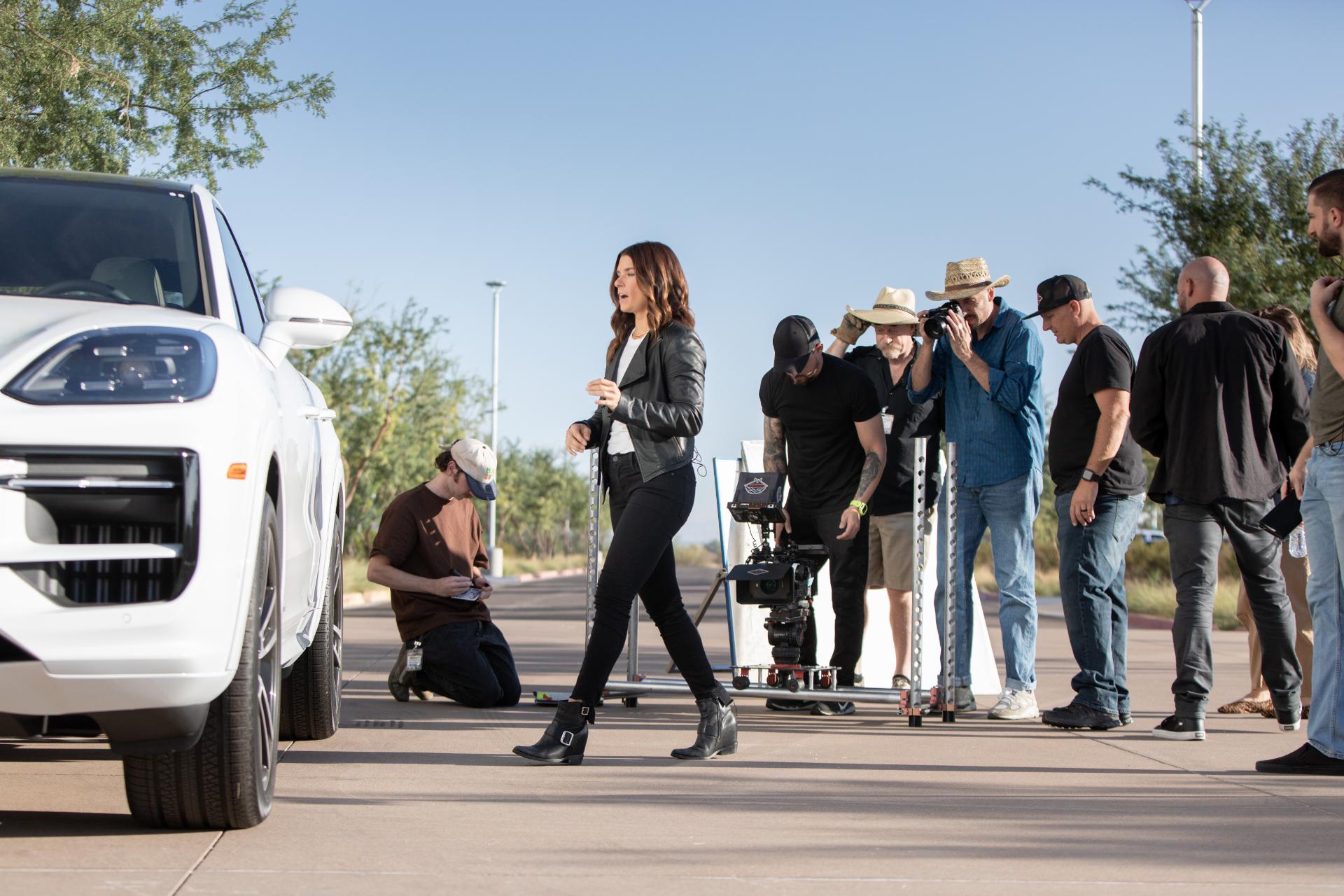
Step-by-Step Guide: How to Plan a Successful Video Shoot
Let’s explore a systematic approach to preparing for a professional video shoot.
Video is an essential format in the modern digital world. Whether it is promotional, educational, or entertaining, a quality video captures attention and communicates your message. However, what you might not realize behind successful content like this is that it is a highly planned-out video production. Below, I will guide you through the major parts and stages of planning a video shoot, along with a comprehensive video production planning checklist that ensures your project runs smoothly (or even more smoothly) than it might without this guide.
Understanding video production: planning and shooting form the basis of good results. There’s more to this than simply pointing a camera and hitting record. It’s about strategizing, organizing, and executing a vision.
Phase 1: Pre-Production –
Pre-production is where you lay the groundwork for creating a video. It's where the seed of an idea gets planted, and where any issues get ironed out long before things get expensive on the shoot. A solid pre-production list will save you time and money later. On most professional projects, pre-production takes 15-20% of the total timeline, and it decides how the rest of the project goes.
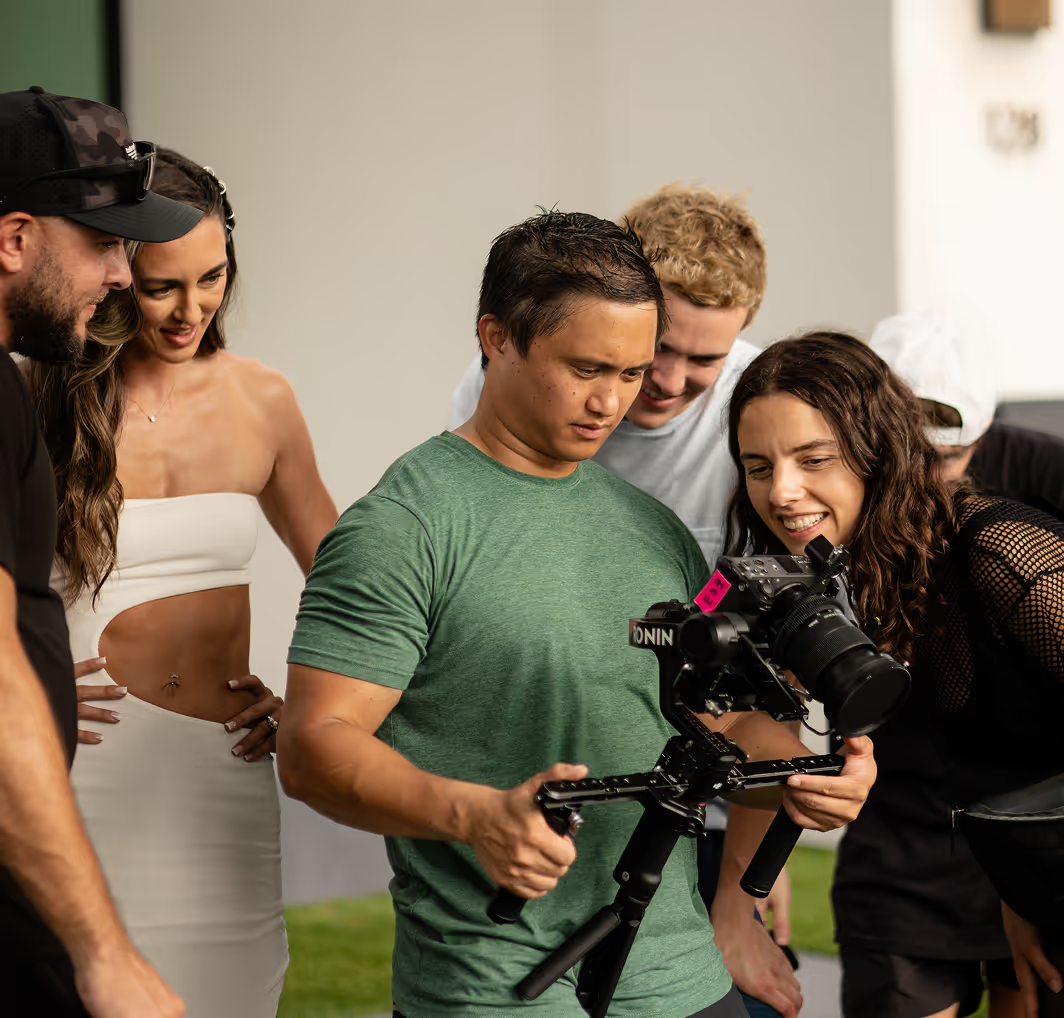
- Define your objective and target audience. First, what is this video trying to accomplish? Whatever you want to achieve will determine everything else in your video production plan. Then, who are you trying to reach? Know your audience: who they are, what they like, and how they consume content. This insight informs the tone, format, and location of your video. It's the most important planning step there is.
- Develop your core message and story. What's the one key message you want the audience to walk away with? Keep it concise and impactful. Once you have your message, build a simple story around it. Even a tutorial video benefits from a story shape. It gives the piece flow.
- Budget allocation. A realistic budget is critical when planning your video production. What you have to spend will limit the gear, crew, and locations available to you. List out expenses for pre-production, production, and post-production separately, and always leave room for the unexpected. Industry standard is a 10% contingency that you never touch unless you have to.
- Scriptwriting and storyboarding. This is where the concept starts to take real shape.
- Scripting: Develop a full script with dialogue, voice-over, action lines, and scene descriptions. A clean script means consistency and fewer takes.
- Storyboarding: A storyboard is a visual breakdown of your script. Each planned shot, with rough sketches and notes on camera placement and movement. It's what you'll use to see how the video flows before you shoot, and to align your team on the vision.
- Shot list creation. Pull a complete shot list from your script and storyboard. Every entry should note:
- Scene number
- Type of shot (e.g., long, close-up)
- Camera angle and movement
- Props and actors
- Location
- Director or cameraman notes
- Location scouting and permits. The right setting can significantly enhance the look and story of your video. Scout for options that fit your vision and budget. Think about how lighting, sound, and accessibility play out at each location, and what distractions might get in the way. If you're shooting in public or on private premises, secure permits and releases well in advance.
- Talent casting and crew assembly.
- Talent: Whether they're actors or reps from your company, make sure the people on camera can live and breathe your message. Run auditions if the project needs them.
- Crew: Depending on the size of the project, you may need a director, camera operator, sound recordist, lighting technician, production assistant, and makeup artist. Both are essential to a successful shoot. Our pre-production checklist breaks the roles down by project size.
- Equipment rental and preparation. List everything you'll need: cameras, lenses, tripods, lighting kits, microphones, audio recorders, gimbals, drones, and every accessory in between. If you don't own the gear, book rentals early and test everything before shoot day. This is one of the most important pieces to have locked in on your production checklist.
- Scheduling and logistics. Build a production schedule with times and locations for each day. Factor in travel, setup, and downtime. Confirm cast and crew call times in writing. Logistics like catering, transport, and accommodation fall into this category too. On a multi-city or complex project, an experienced video production crew is worth the fee.
Phase 2: Production
With production, you finally get to see every bit of that hard work pay off. This is what shooting looks like. A lot of it depends on smooth execution, which in turn depends on the preparation you did in Phase 1. For most corporate and brand shoots, the actual filming runs 1-3 days, so every hour counts.
- Pre-shoot briefing. Gather your full cast and crew for a briefing before rolling. Review the script, storyboard, shot list, and schedule. Make sure everyone knows their role and the overall vision for the video. This avoids confusion and keeps everyone on the same page.
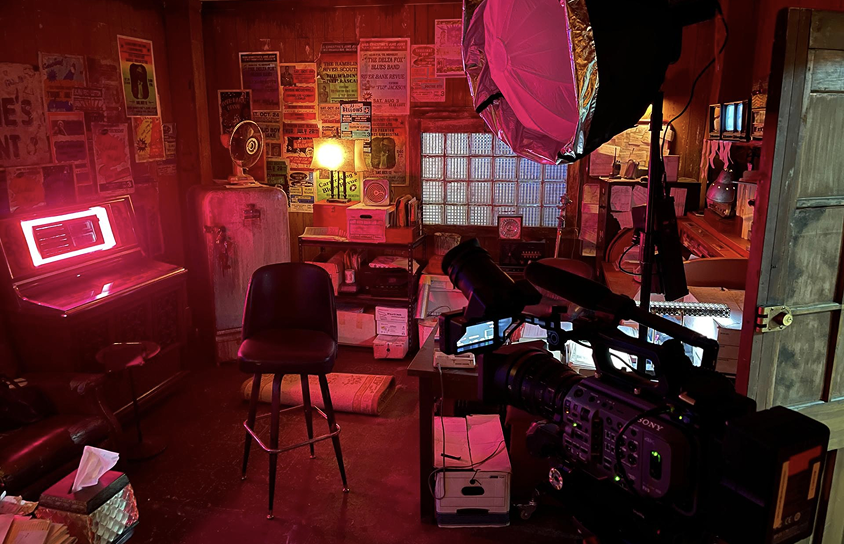
- Set up and lighting. Leave enough time to set up at your location. That means dressing the set with props, mounting cameras, and, most importantly, rigging lighting. Great lighting can make a scene pop, so take the time to shape it correctly. Balance natural and artificial sources rather than fighting one against the other.
- Sound recording. Audio is as important as visuals. Match microphones to the environment and the subjects. Set levels carefully to avoid distortion and noise. Run sound checks before every take. Nothing kills a shoot faster than realizing in post that half your dialogue is unusable.
- Filming, capture your shots. Follow your shot list closely.
- Shoot for the edit: Get multiple takes of every shot to give your editor options.
- Change angles: Mix wide, medium, and close-up shots to add variety and depth.
- Pick up B-roll: Cutaways, establishing shots, close-ups, and general atmosphere. B-roll is what makes your story feel finished in the edit. When the budget is limited, clips from stock video websites can often be used for B-roll.
- Guide performances: If you're working with talent, direct them to match your script and vision.
- Watch continuity: Wardrobe, props, and blocking need to stay consistent from shot to shot, especially when filming out of order.
- Data management and backups. Once you've got footage, your data workflow matters. Follow the 3-2-1 backup rule that's standard across professional post-production: three copies of the footage, on two different types of media, with one copy offsite. Name your files and folders clearly, and stay consistent. The last thing you need is to lose footage because a card got wiped or a drive failed.
- Wrap up and equipment breakdown. After each day of filming, store all gear safely, leave the location clean, and return rentals in the condition they came in. It's basic professional practice that keeps your rental and location relationships intact for the next shoot.
Phase 3: Post-Production –
Post is where the magic actually happens. Your raw video clips become a finished piece. This stage also demands real planning. Post-production takes 35-45% of the total project timeline, so budget your calendar around it.
- Video editing.
- Ingest and organize: Load all footage into your editing system in the correct order.
- Rough cut: Arrange shots on the timeline based on your script and storyboard. Focus on narrative flow first.
- Fine cut: Tighten timing, pacing, and transitions. Layer in B-roll to liven up the visual storytelling.
- Color correction and grading: Match shots across the timeline for a consistent look, and use grading to set the mood.
- VFX: Add visual effects and motion graphics only where they serve the story.
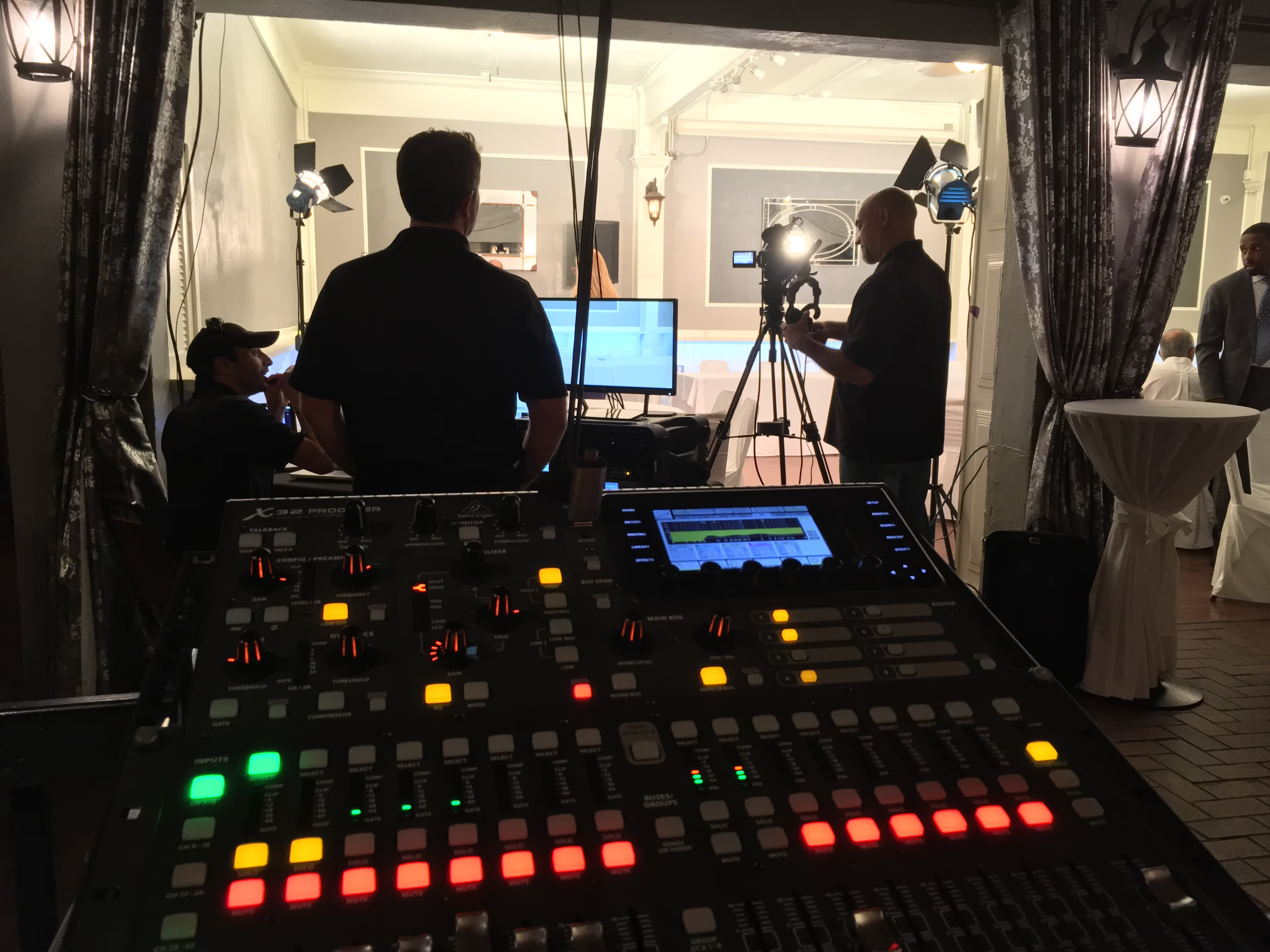
- Sound design and audio mixing.
- Clean up dialogue: Remove ambient noise from your dialogue tracks.
- SFX: Layer sound effects for action and ambience.
- Music: Choose background music that reflects the mood and message. Confirm the license before you publish anything. This is where a lot of first-time producers get caught.
- Audio mixing: Balance dialogue, music, and effects for a professional listen.
- Graphics and titles. Design opening titles, intro screens, lower thirds (for names and roles), and closing credits. Consistent branding and clean typography matter more than clever design.
- Review and feedback. Send your edited video to decision-makers for review. Be open to feedback and prepared to make adjustments. Iteration is the whole creative process.
- Export and delivery. Once approved, export in the format and resolution you need for each platform (YouTube, Vimeo, social, website). Optimize file sizes for quick load and playback. That's the last item on your production checklist.
Conclusion: Why Planning Matters in Video Production
Knowing how to plan out your videos and shoots properly is what makes the difference in good-looking, professional footage. A carefully prepared video production planning checklist, script writing, crew selection, and equipment setup are vital to ensure that you avoid costly mistakes and deliver exactly what you need. When it comes to filming, whether for a corporate film, social media video, or commercial, planning can help prevent the process from becoming hectic.
Here at Team Unity Media, we understand the need for video production to be easy on you and look great. As film production veterans, we have years of combined experience producing videos, from planning and shooting to post-production. From concept to final cut, Team Unity Media ensures your project is handled with the utmost creativity and care. If you are ready to bring your video ideas to life, let Team Unity Media guide you with the right video production checklist and expertise.
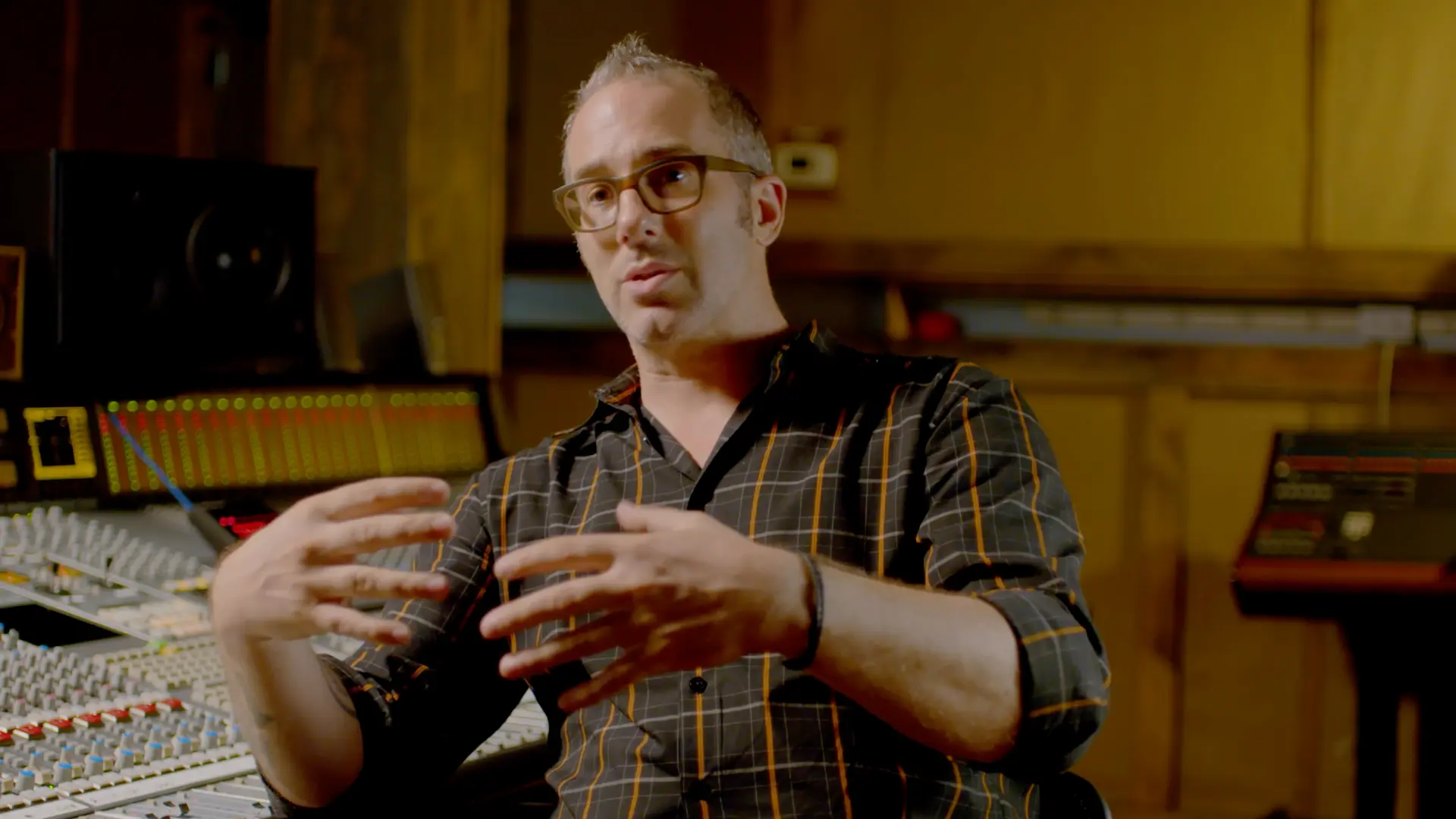
FAQs –
Q1. How do you plan for shooting a video?
Start with the purpose of your video. Get clear on whether it's for promotion, education, brand awareness, or entertainment. That clarity informs everything else in the planning process.
Q2. How do you plan a video production?
Make a plan, write a script, prepare a storyboard, and set your budget. Scout your best location (or locations), assemble your crew, and lock the shoot schedule. Always have a backup plan in place in case of weather, talent no-shows, or gear issues.
Q3. What is a video production checklist?
A good checklist covers objectives, audience, script, storyboard, crew, equipment, budget, shoot locations, and post-production tasks. It's what keeps your video project organized from kickoff to delivery.
Q4. How do you decide where to shoot?
Pick a location that fits the message of your video. Outdoor spaces give you natural light but bring weather and noise into the mix. Indoor spaces give you more control but usually need more lighting and grip gear.
Q5. Why does post-production matter in a video shoot?
Post-production is what refines your video: editing, sound design, color correction, and graphics. It's the step that takes footage from rough to finished, and it's usually what makes a video look professional and polished before launch.
%20(1).avif)
%20(1).avif)
.png)
.png)